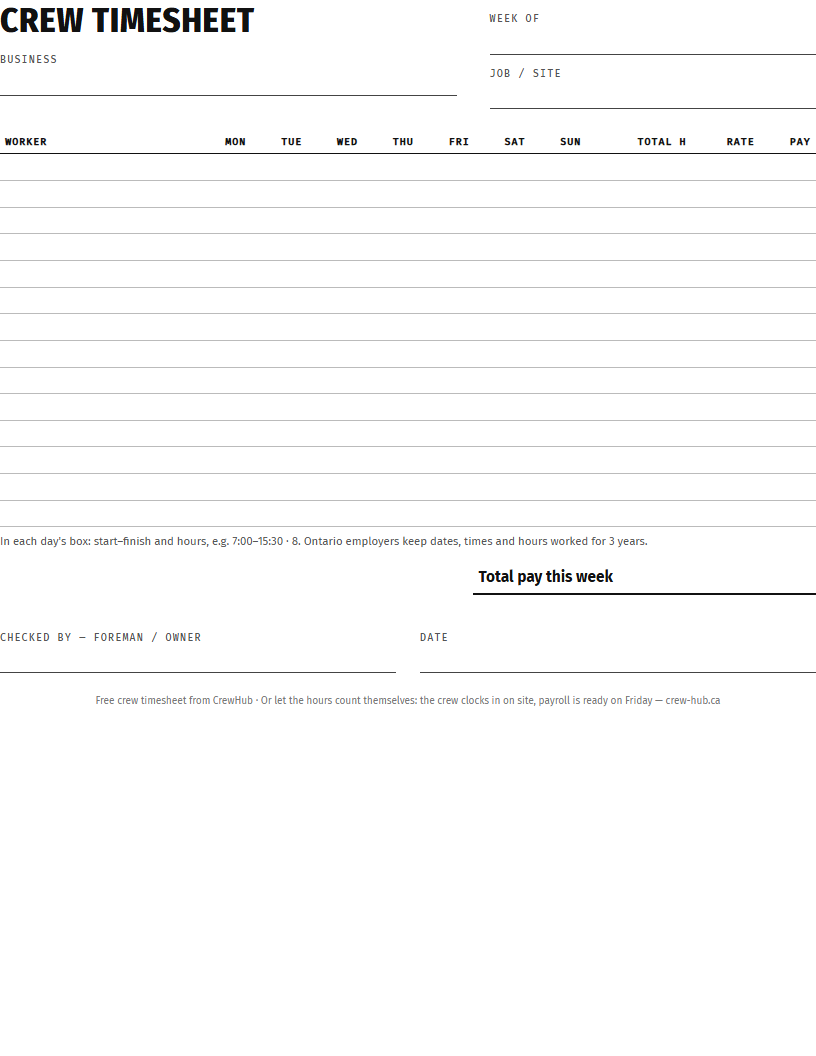
What's on the sheet
- Business, week of, job or site.
- One row per worker, Monday to Sunday.
- Total hours, hourly rate and pay for each worker.
- Total pay for the week and a line for the foreman or owner to sign.
How to fill it in
- In each day's box write start–finish and the hours:
7:00–15:30 · 8. - At the end of the week add up the hours for each worker.
- Over 44 hours in the week? In Ontario those hours are usually paid at 1½. Overtime in Ontario →
- Hours × rate = pay. The foreman or owner checks and signs.
Keep it for three years
Ontario's Employment Standards Act asks employers to record the dates and times each employee worked and their hours for each day and week, and to keep those records for three years. A paper sheet in a truck is easy to lose — scan or photograph it on Friday.
Or let the hours count themselves
With CrewHub the crew taps Clock in when they get to the site and Clock out when they leave. Every clock-in keeps the date, the time and the job. On Friday the hours are added up by person and payroll is ready to check — no sheets to collect. Set overtime once (weekly, after 44 hours, at 1½) and it's counted for you. Construction time tracking → · What your crew sees →