Your project at a glance
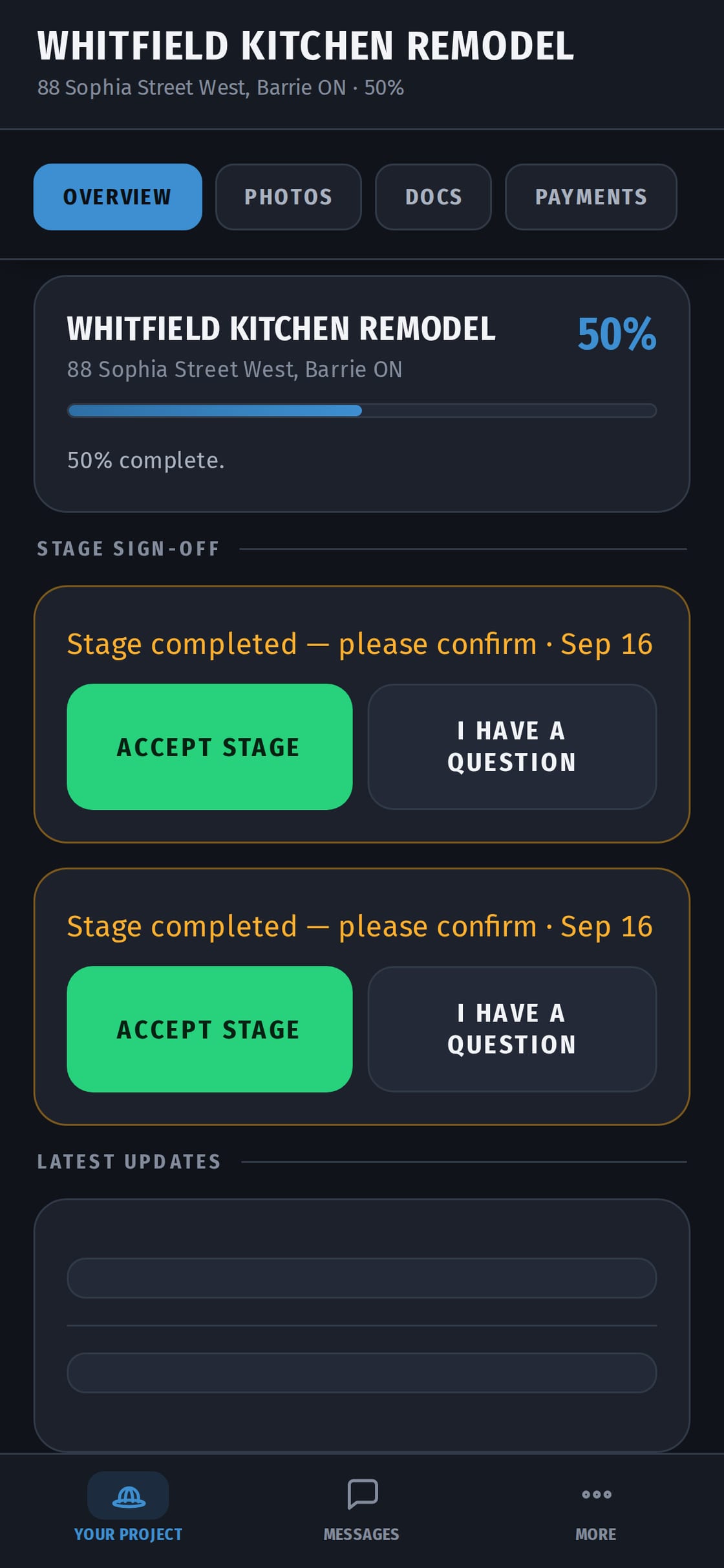
See how far along the job is, the photos your contractor chooses to share, and the stages done so far.
Approving a quote
When your contractor sends a quote, open it on your phone and tap Approve or Decline. An approved quote can't be changed afterwards — if extra work comes up, your contractor sends a new quote for you to approve. You always know what you agreed to.
Signing off a stage
When a stage is done, you get a request: Accept stage, or I have a question. Questions go straight to your contractor.
Invoices and payments
Invoices come with HST shown on its own line. Pay your contractor the way you agreed — e-Transfer, cheque, card — then tap I've paid so they know to check. CrewHub doesn't take or move money.
What you don't see
Your contractor's crew hours, wages and other clients. Your page is only about your project.
Getting started
Your contractor sends you an invite. Open it on your phone and sign in. It's free for you, and nothing to buy. You see only your own project.
Quote or estimate — know what you're agreeing to
- A quote is a fixed price for set work.
- In Ontario, if an estimate is part of your contract, the final price can't be more than 10% over it, unless you agree to new work or a new price.
In CrewHub, the version you approved stays as it is. Any change comes to you as a new version to approve. Quote or estimate: the 10% rule →
Talk to your contractor
Questions about the job go into the chat on your project page. Everything stays in one place: photos, stages, quotes and messages.