How it works
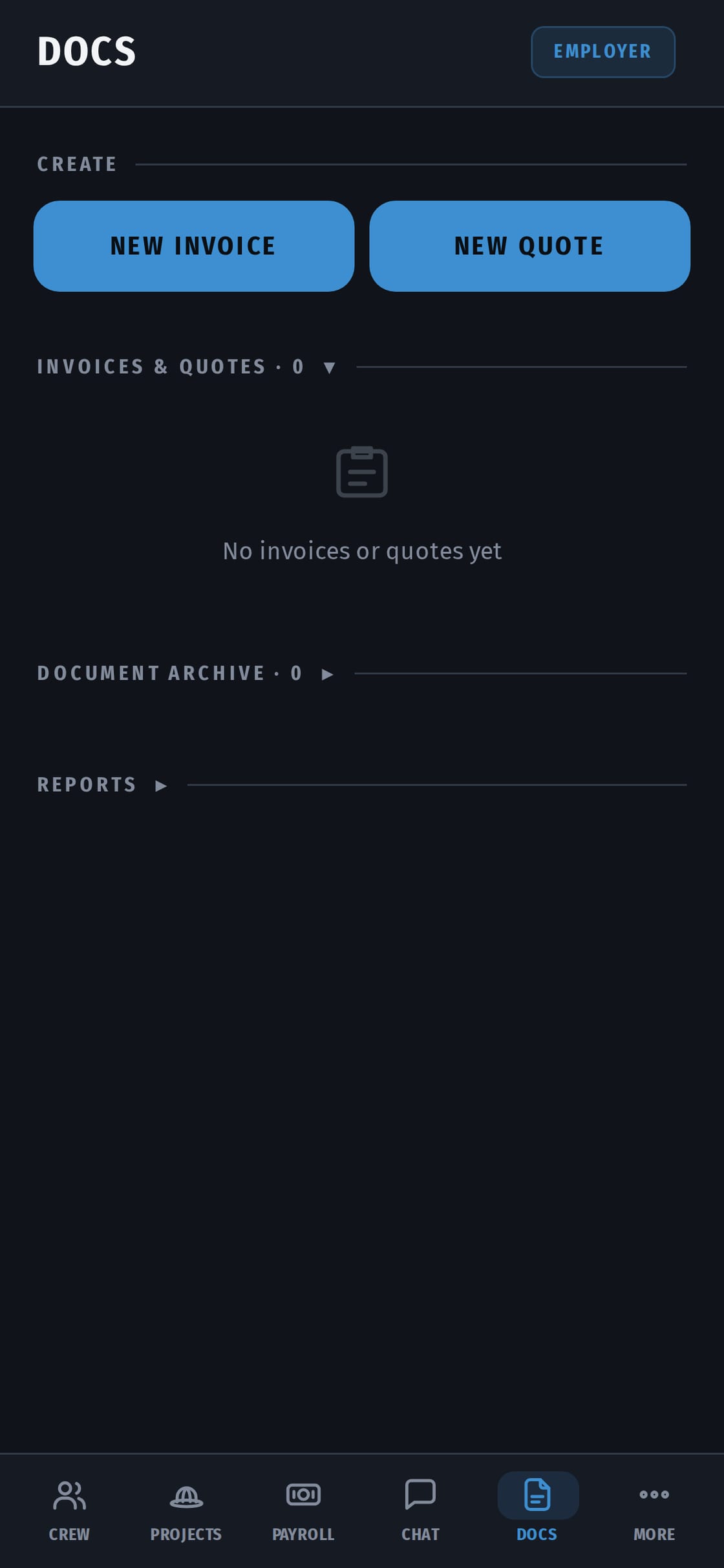
- Write the quote. Add lines for work and materials. Under a line you can list what's included, like "remove floor · haul away · underlay". HST is added per line, to the cent, at your province's rate.
- Send it. Your client gets a link and opens the quote on their phone.
- The client approves it. They tap Approve. An approved quote can't be edited, so there's no argument later about the price.
- The job changes? Send a new version. The client approves it again.
- Turn it into an invoice. One tap. The same lines, plus your crew's hours and the receipts for materials from the job.
- Send the invoice. It goes to the client by email from your company name, as a PDF with your logo and your HST number.
- Get paid. The client pays the way you agreed, then taps "I've sent it". You confirm, and the job balance updates.
Estimate or quote?
You choose. A quote is a fixed price. An estimate is your best guess, and in Ontario, when it's part of the contract, the final bill can't go more than 10% over it unless the client agrees. Quote vs estimate: the 10% rule →
HST done right
- Your province's rate on every line: 13% HST in Ontario, GST plus provincial tax where that applies.
- Your HST number on every quote and invoice.
- Not registered yet? The $30,000 rule · Getting an HST number
Everything about the job in one place
The quote sits next to:
- the crew's clock-ins;
- the receipts;
- the job photos;
- the chat with the client.
When the client asks "what did I agree to?", it's one tap away. Your bookkeeper gets an Excel or CSV file with income and the HST you collected.
Just need one invoice today?
Use the free invoice generator or the free estimate template — no account, PDF with HST. When you're sending them every week, CrewHub saves the retyping.
Part of the app, not an add-on
Quotes and invoices come with every CrewHub plan, together with crew time tracking and payroll. One price for the whole crew: from C$14.99 a month, up to 7 workers C$49.99. 14 days free, no card.