Morning — who's on site
The Crew screen shows who has clocked in and at which job. Someone missing? You see it before the client does.
Hand out the work
Add tasks to a job, assign them to people, mark them done. The owner sees the progress without calling you.
Shifts and the weekly schedule
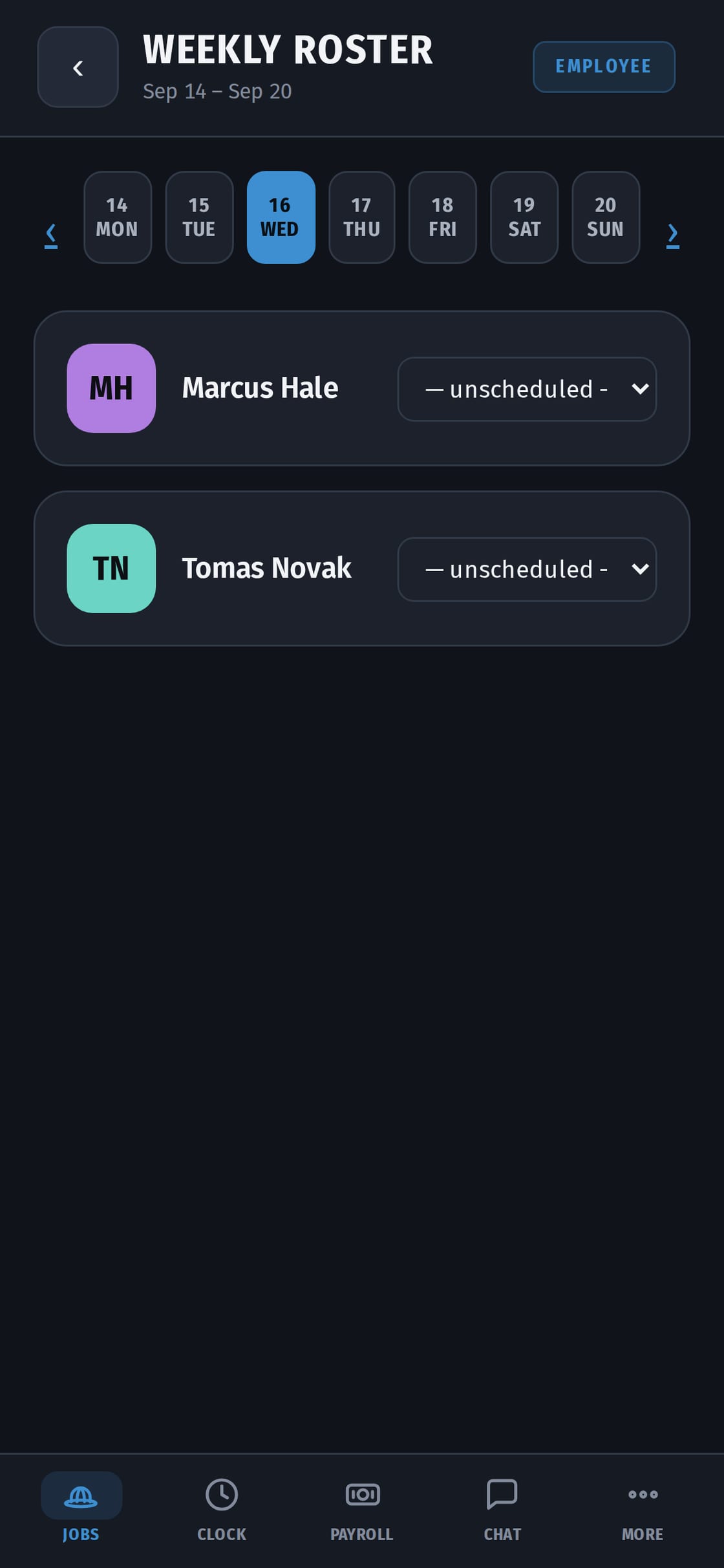
Plan the week, move people between jobs, fix a shift someone forgot to close. If you change a day that's already been paid, the owner gets a request to approve it — the paid record stays safe.
Photos and sign-offs for the client
Add job photos and mark stages complete; the client confirms them on their own page.
What a foreman doesn't see
Pay, rates and payroll stay with the owner. That's why owners can hand the crew to a foreman without handing over everyone's wages.
Getting started
The owner invites you to the company and makes you a foreman. You sign in on the CrewHub app on an iPhone, or in any phone's browser. You clock in like everyone else on the crew.
Fixing the day
- Someone forgot to clock out? Close their shift with the right time.
- Someone at the wrong job? Move them.
- If the day was already paid, your change goes to the owner as a request. The paid record doesn't change until the owner approves.
Talking to the crew
There's a chat for each job and direct messages, with photos and voice messages. One place, instead of a group chat per job.
Why owners hand the crew to a foreman in CrewHub
The foreman runs the day: people, tasks, shifts, photos and stages. Pay stays with the owner. The owner sees every change on the job without calling.