How construction time tracking works in CrewHub
- You add a job with its address. The address sets the zone for clock-ins.
- Your crew taps Clock in when they get to the site. CrewHub picks the job they're standing at.
- While the shift is on, the app records one of three things: on site, nearby, or left.
- They tap Clock out when they leave. The hours are counted to the minute.
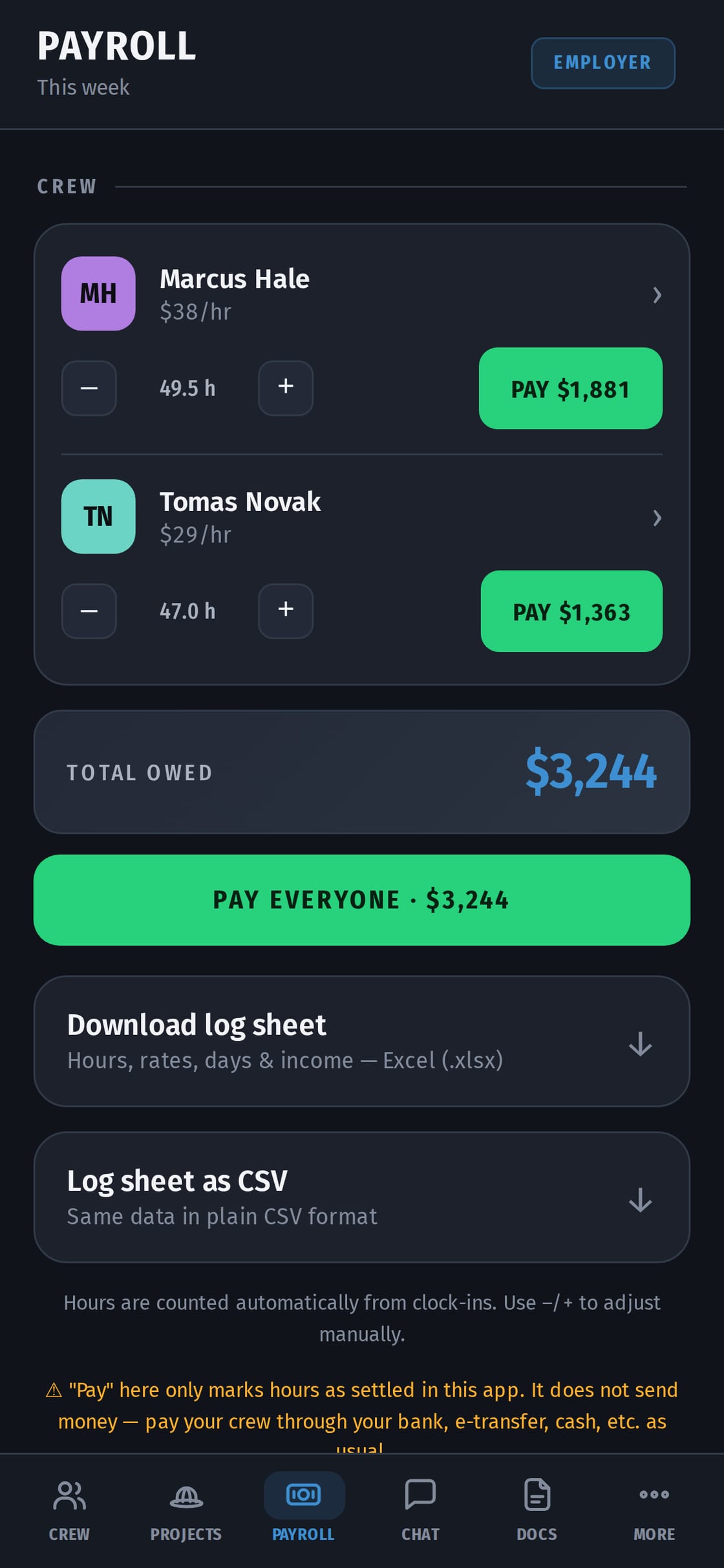
- On Friday, payroll shows each person's hours times their rate.
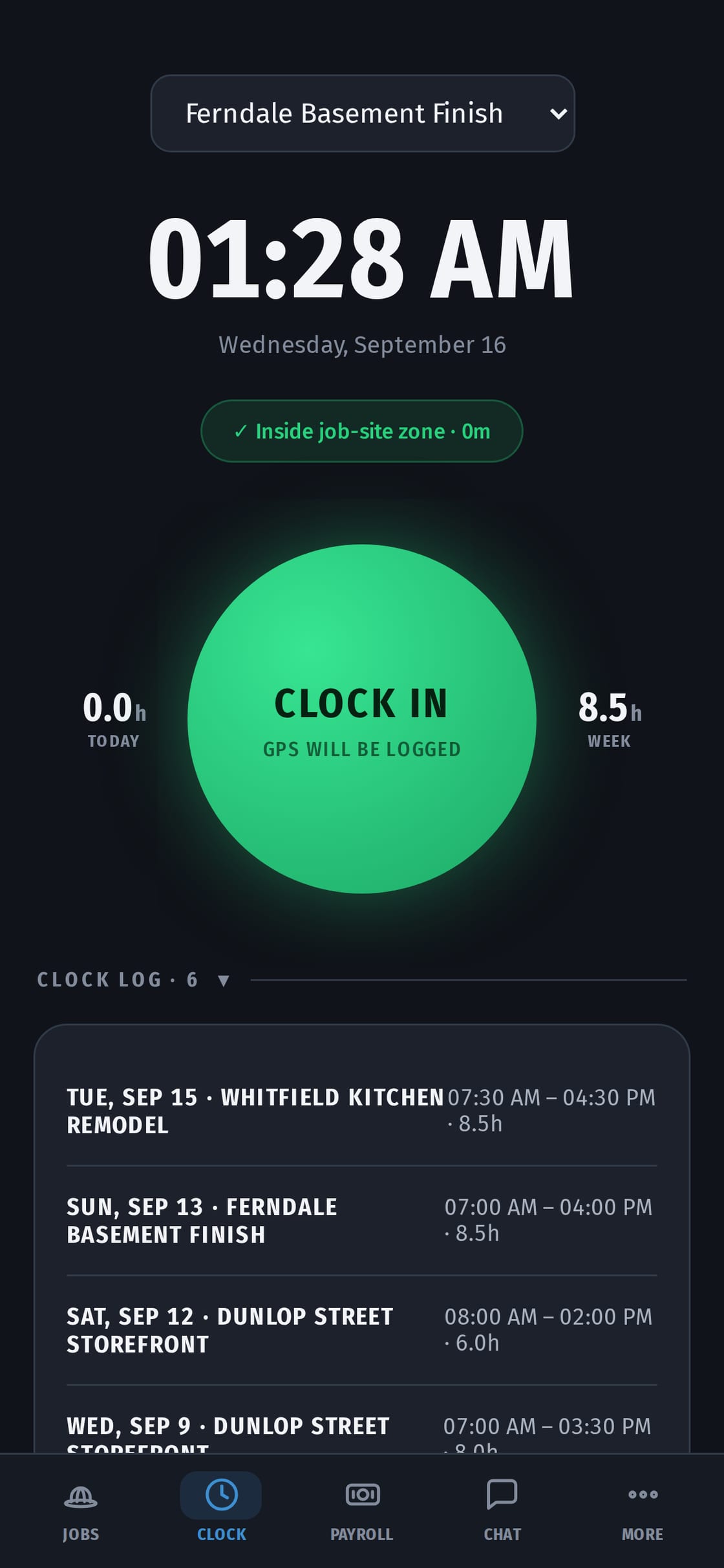
A GPS time clock that respects your crew
- Location is used only while a shift is open. Before or after the shift, nothing is recorded.
- The owner sees "on site", "nearby" or "left", not a map of where someone drove at lunch.
- A worker can clock in without sharing location.
That's what makes a crew actually use a time clock, instead of fighting it.
Works in basements and on new builds with no signal
No signal on site? The clock-in is saved on the phone and sent when there's signal again. Photos taken on site are saved the same way.
Forgotten clock-outs and odd days
- A forgotten clock-out doesn't turn into a 19-hour shift. The worker adds the time they left, and you confirm it.
- Each person has a calendar. Blue days are worked but not paid, green days are paid. Red days need you: a forgotten shift, an overlap, a clock-in outside the zone. Each red day says why and has a Confirm day button.
- Breaks aren't counted as work.
From hours to payroll
- Hours come from the clock-ins and are multiplied by each person's rate.
- You can set overtime per person, for example weekly after 44 hours at 1½, which is the general Ontario rule. You can also add allowances and deductions. Overtime in Ontario →
- The rate is fixed on the shift, so a raise doesn't rewrite past weeks.
- Pay the way you always do, then tap Mark as paid. CrewHub doesn't move money.
- Your bookkeeper gets one Excel or CSV file with hours, rates and payments.
Ontario asks you to keep the hours
Ontario's Employment Standards Act asks employers to record the dates and times employees worked and their hours each day and week, and keep them for three years. In CrewHub every shift keeps its date, start and finish time and job. Prefer paper? Free weekly timesheet →
The crew uses it in their language
English, Ukrainian, Spanish, French or Russian. Each person picks their own. There's an iPhone app in the App Store, and CrewHub works in any phone's browser.
More than a time clock
The same app runs the rest of the job:
- quotes your client approves from their phone;
- invoices with HST;
- job photos and job chat;
- a page for your client.
Quotes and invoices → · How owners use CrewHub →
What it costs
One price for the whole crew, not per person: from C$14.99 a month. Up to 7 workers is C$49.99, up to 15 is C$79.99. Every plan has every feature. 14 days free, no card.